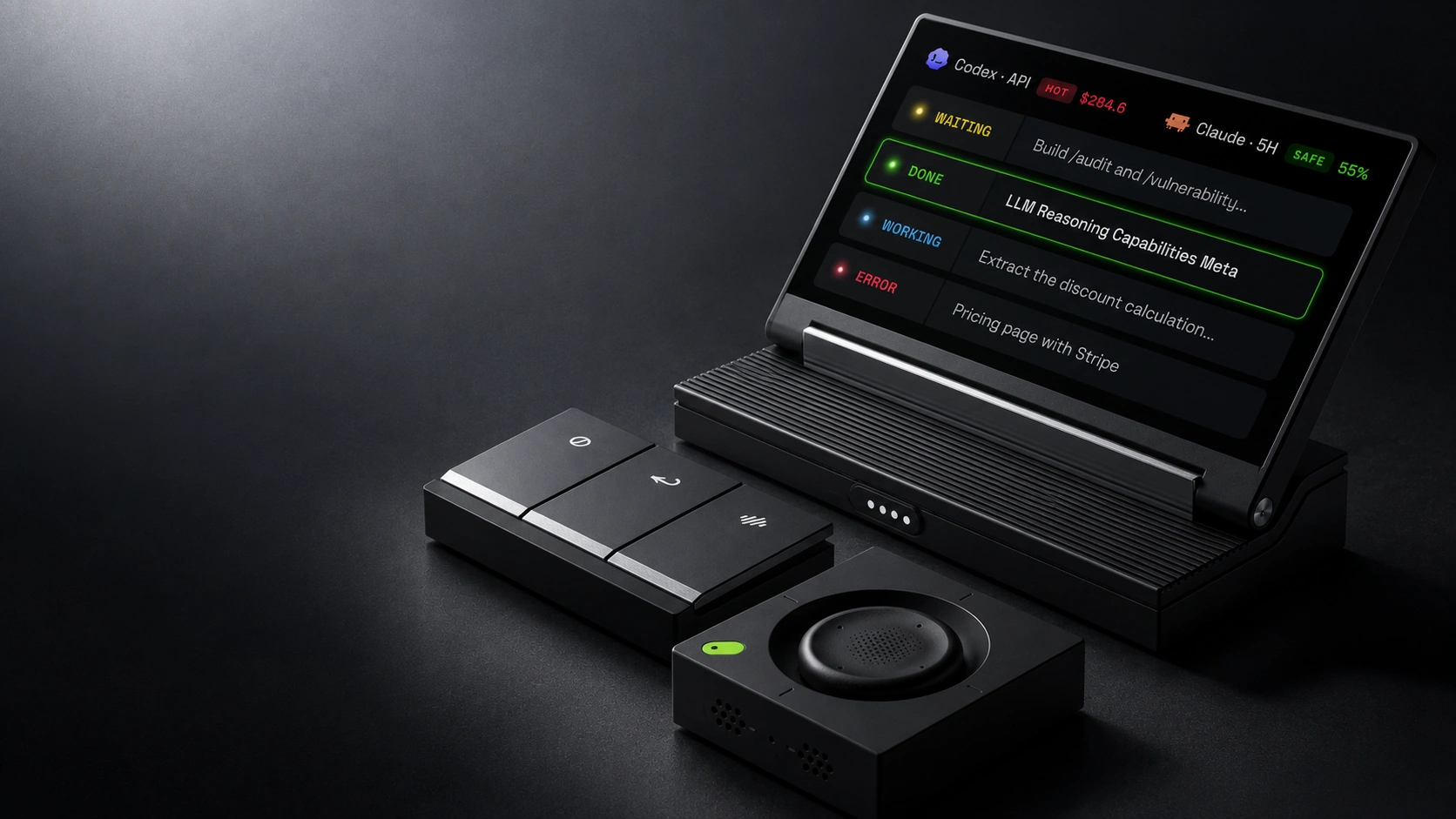
YOUR TOOLS. ONE CONTROLLER.
20+ agents supported.
 Claude Code
 Codex
Codex Cursor
 Copilot CLI
 Gemini CLI
 Kimi Code
 Qwen
Qwen opencode
See every session at a glance.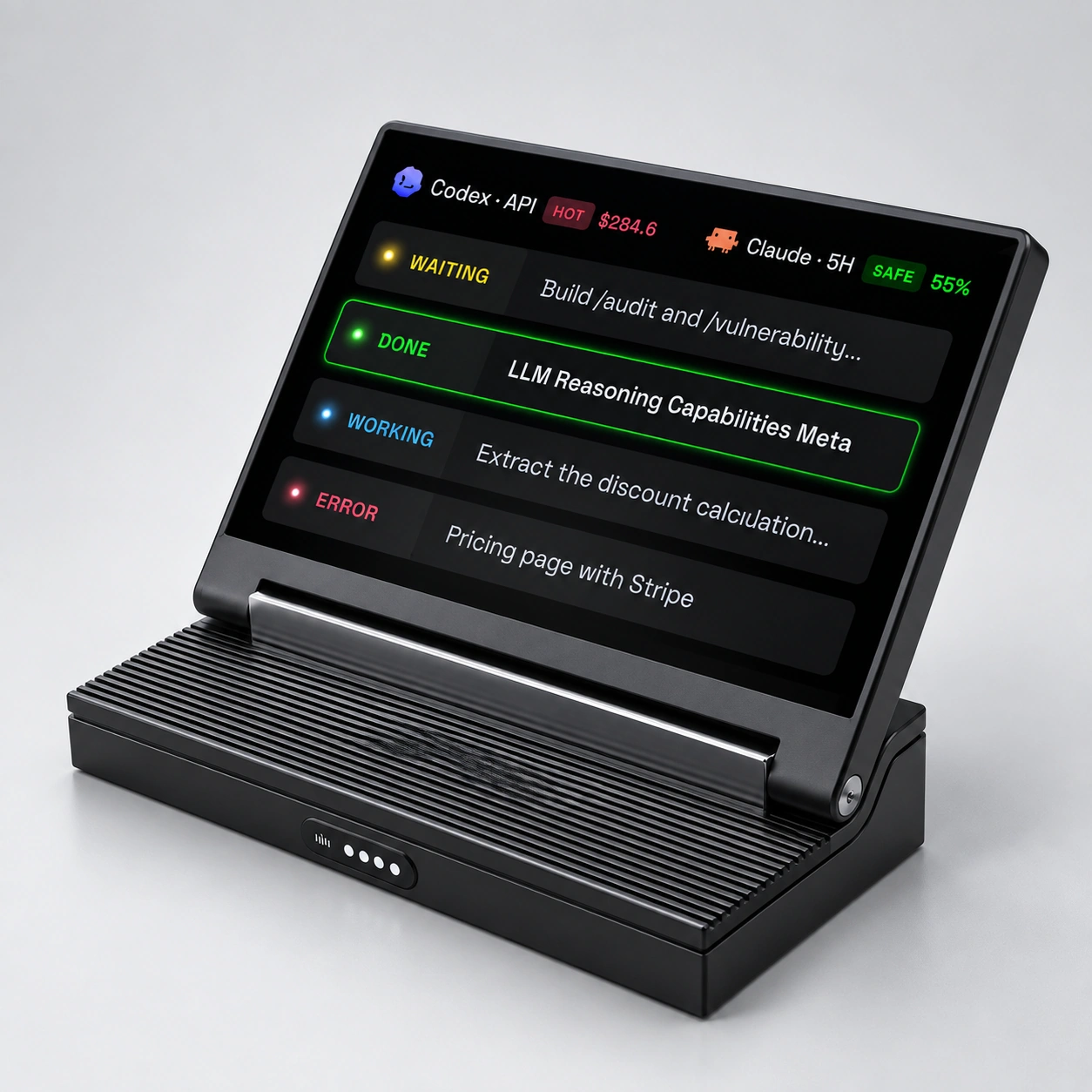
Switch with a flick.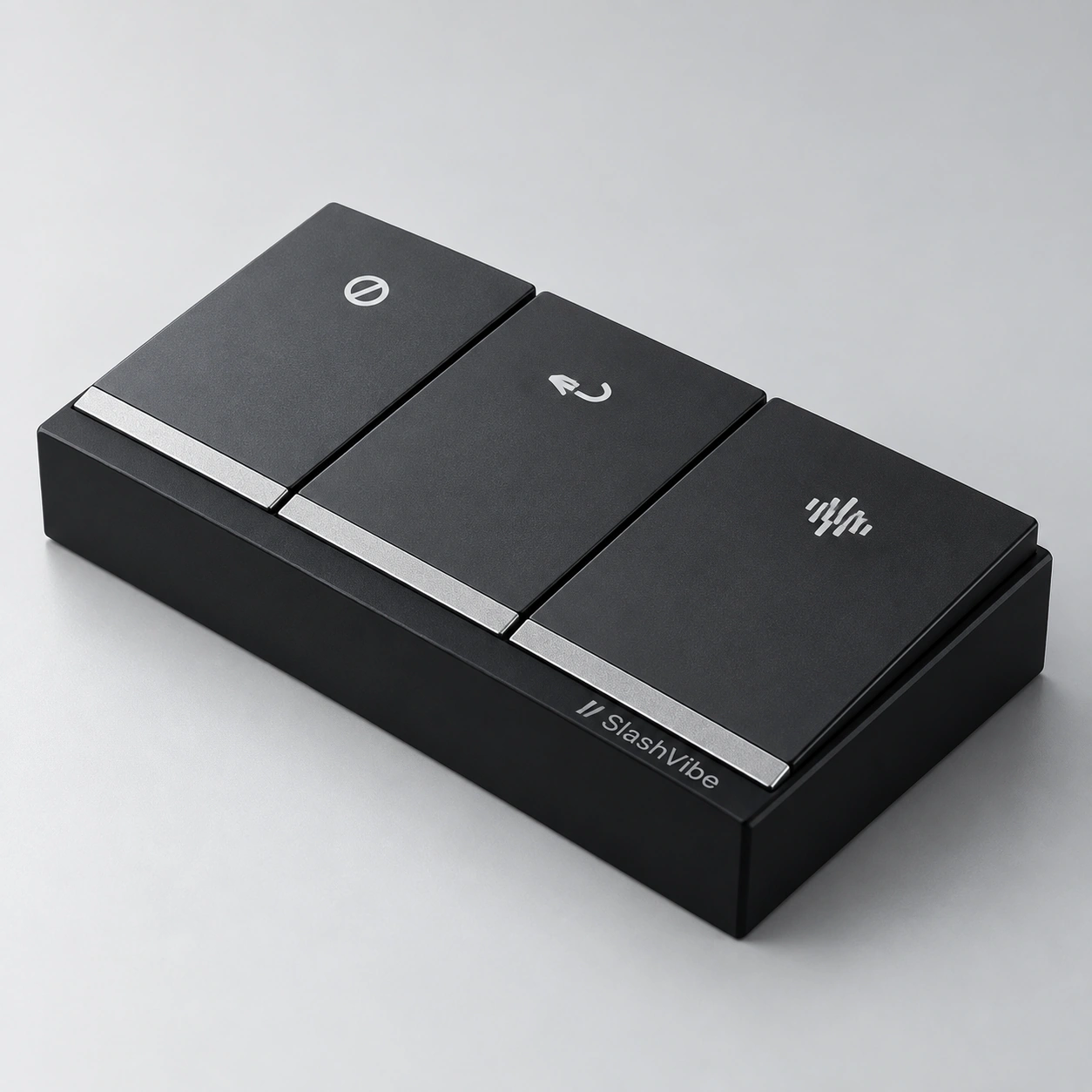
Tell them what’s next.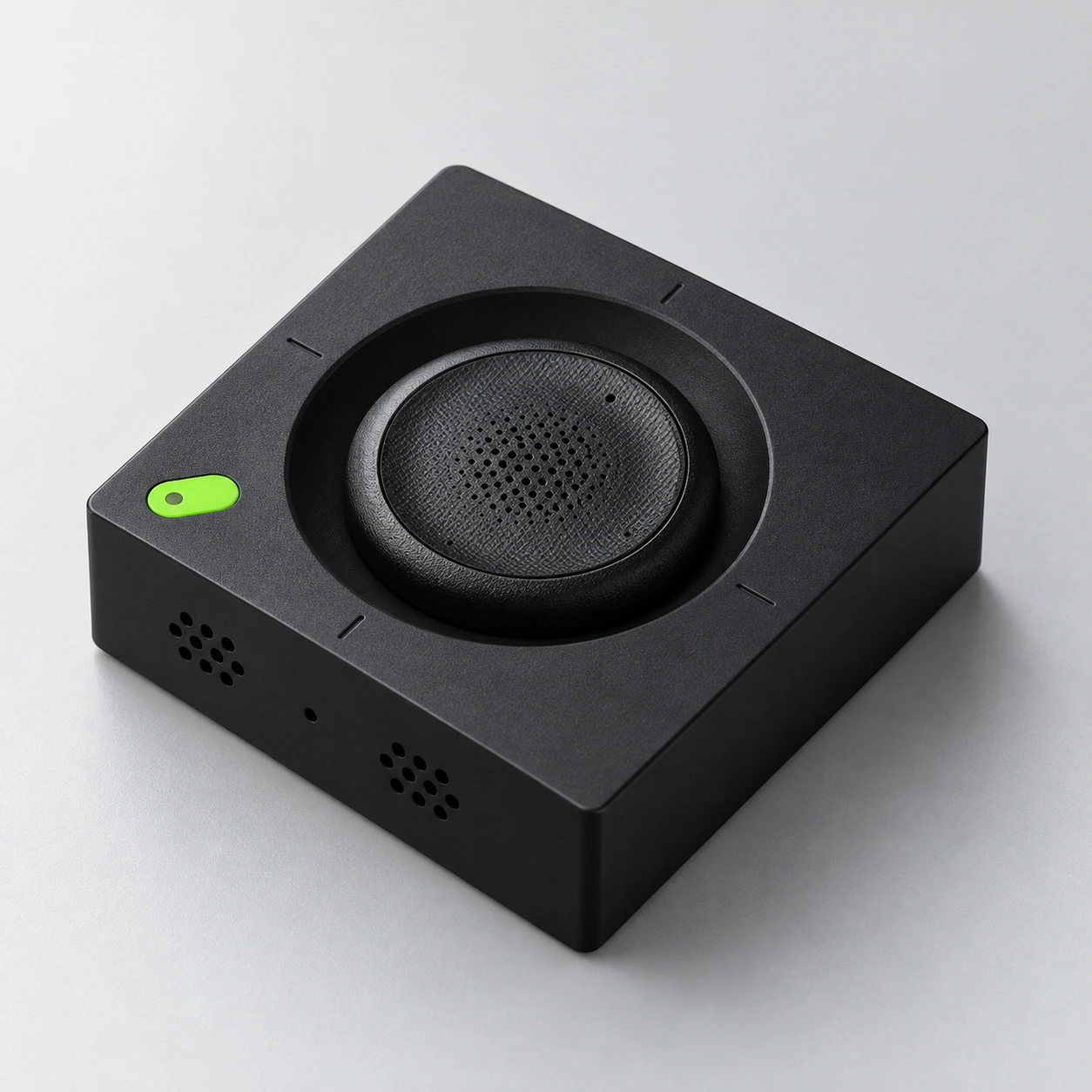
Meet the new part
of your AI setup.
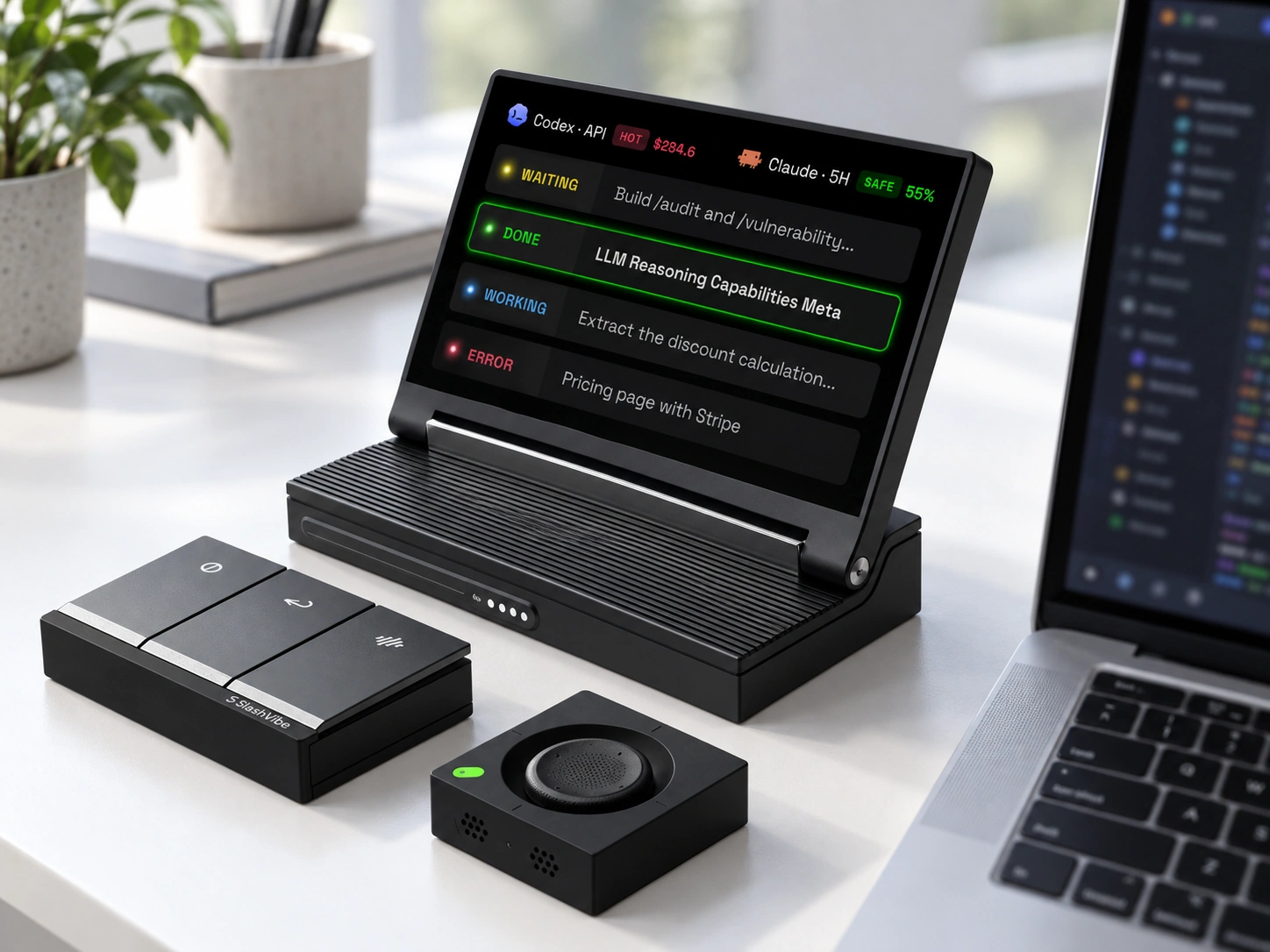
Every session, at the edge of your vision.
The Agent Display keeps your sessions visible while your main screen stays focused on the work. See what’s running, what’s finished, and which agent needs you. The speaker lets you hear it when you’re looking elsewhere.
Flick to the one that needs you.
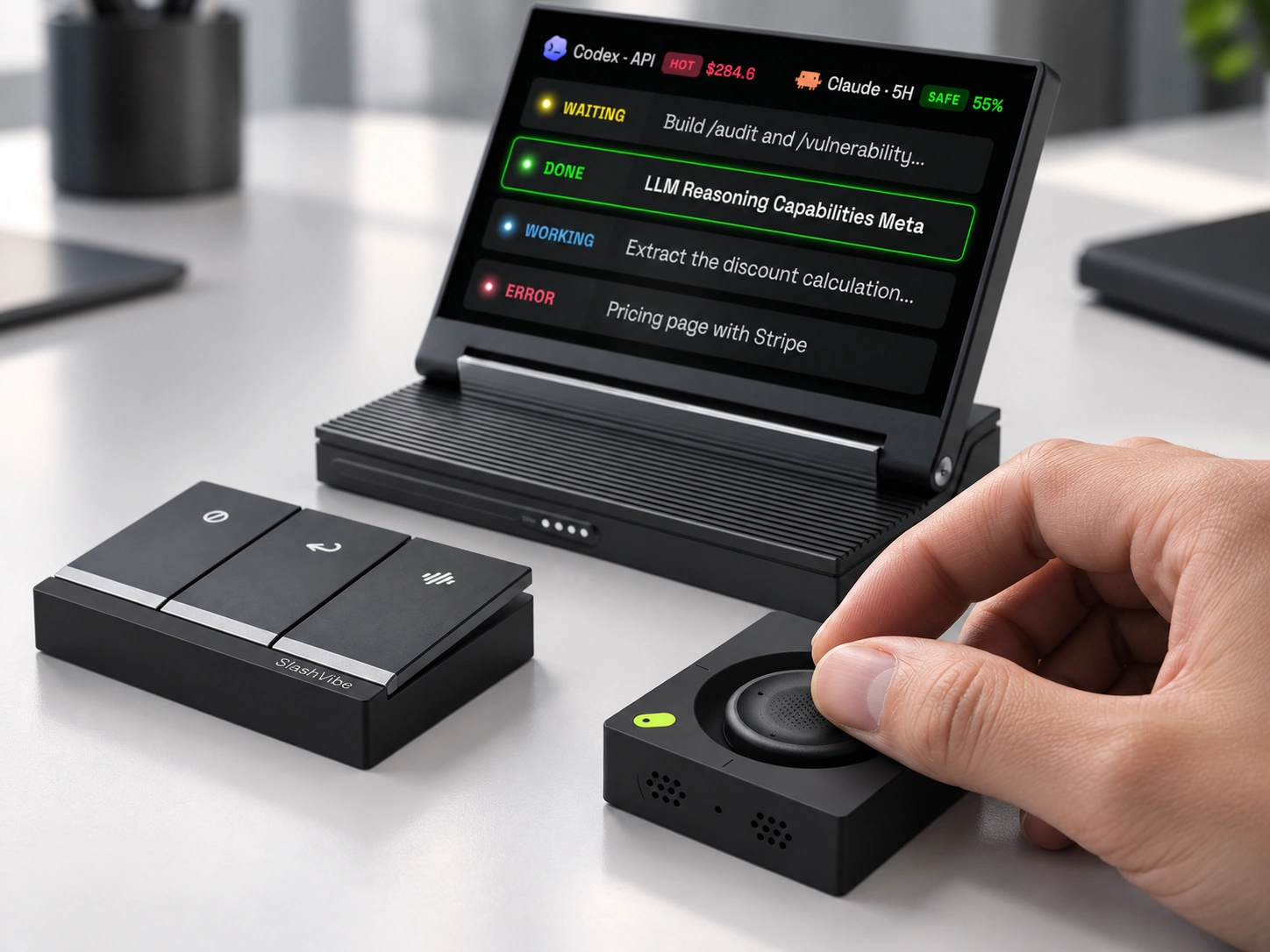
Move between agents with the Tactile Joystick. Three Action Keys put Record, Send, and Cancel under your fingers — without looking down. Give the right agent its next instruction and keep your attention on the work.
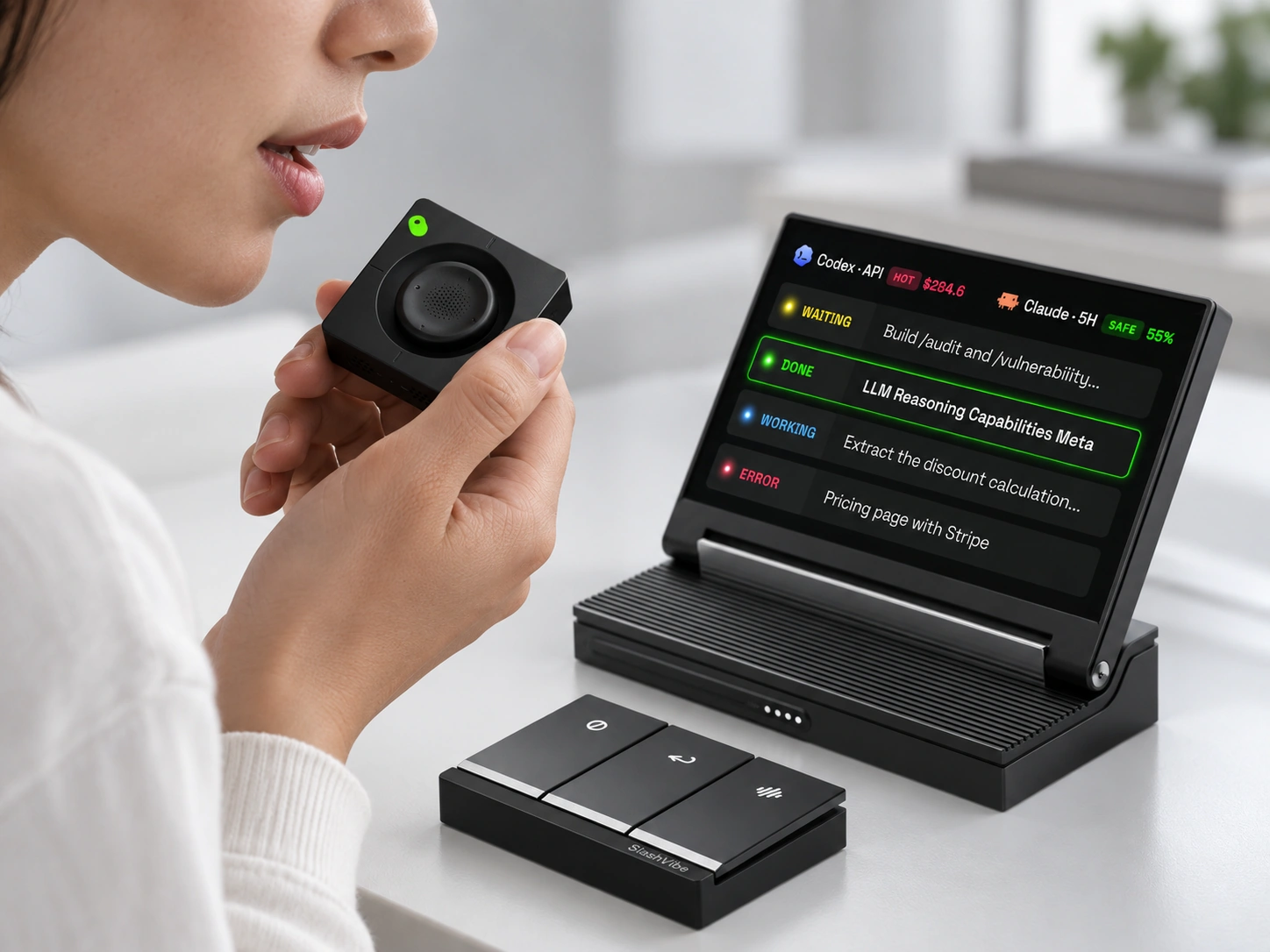
Speak the moment you think of it. Even in a whisper.
Bring the Low-latency Mic closer and say what you mean while the idea is still fresh. Capture your next instruction without breaking your train of thought. Record. Send. Cancel. It’s all within reach.
MADE FOR THE WAY YOU WORK
It just feels right.
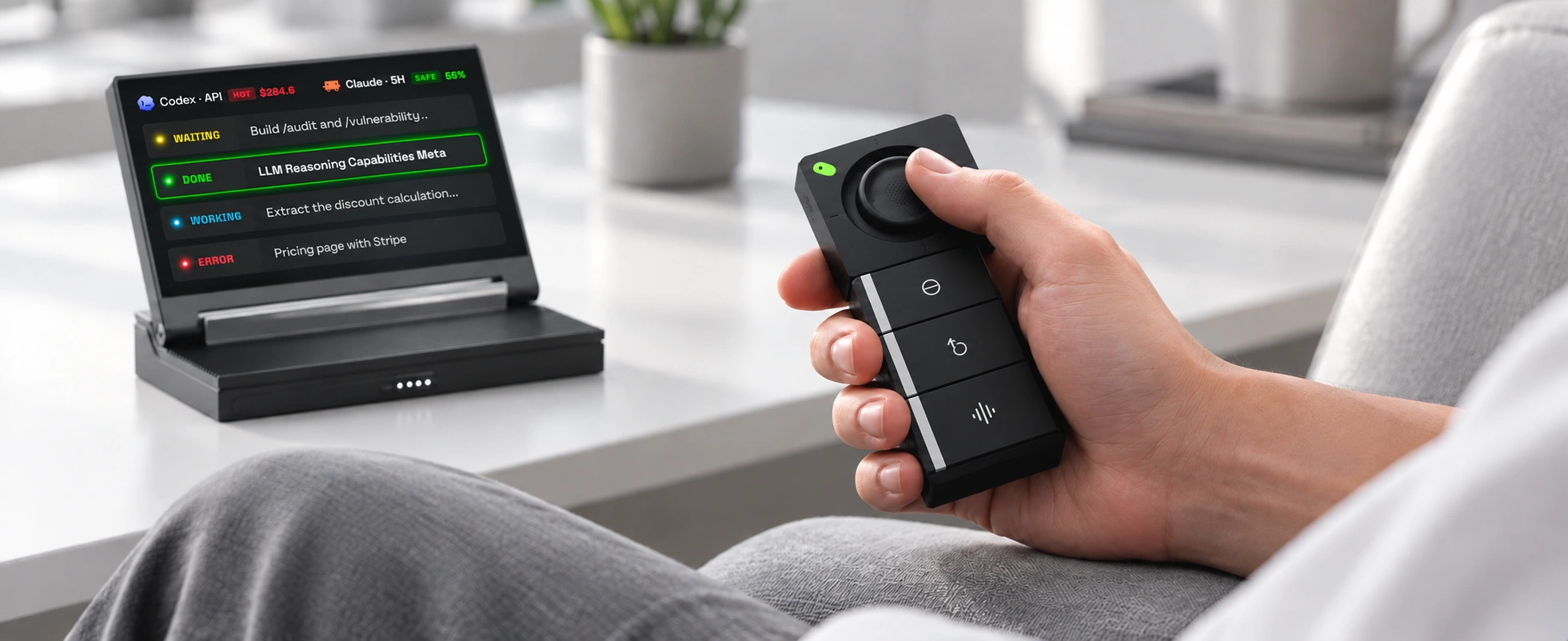
Lean back. Keep your agents moving.
Handheld.
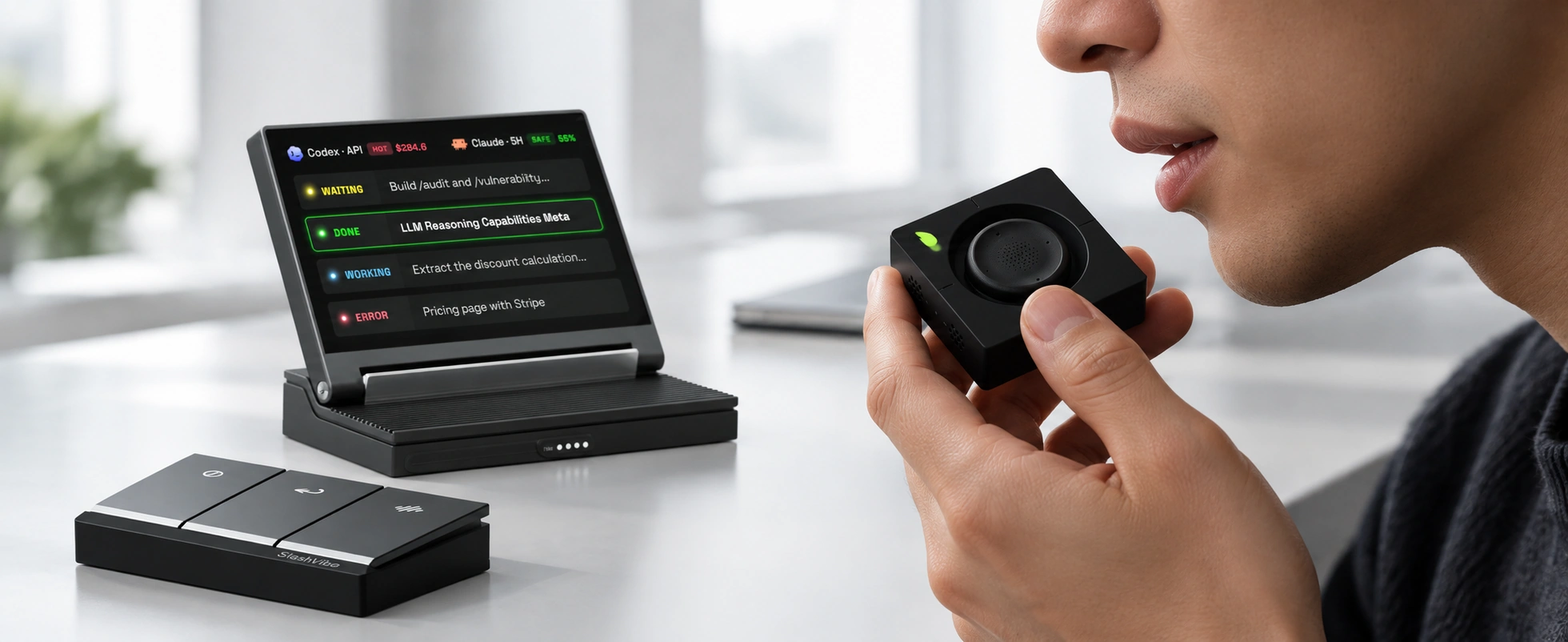
Bring it closer to pick up even a whisper.
Quiet voice.
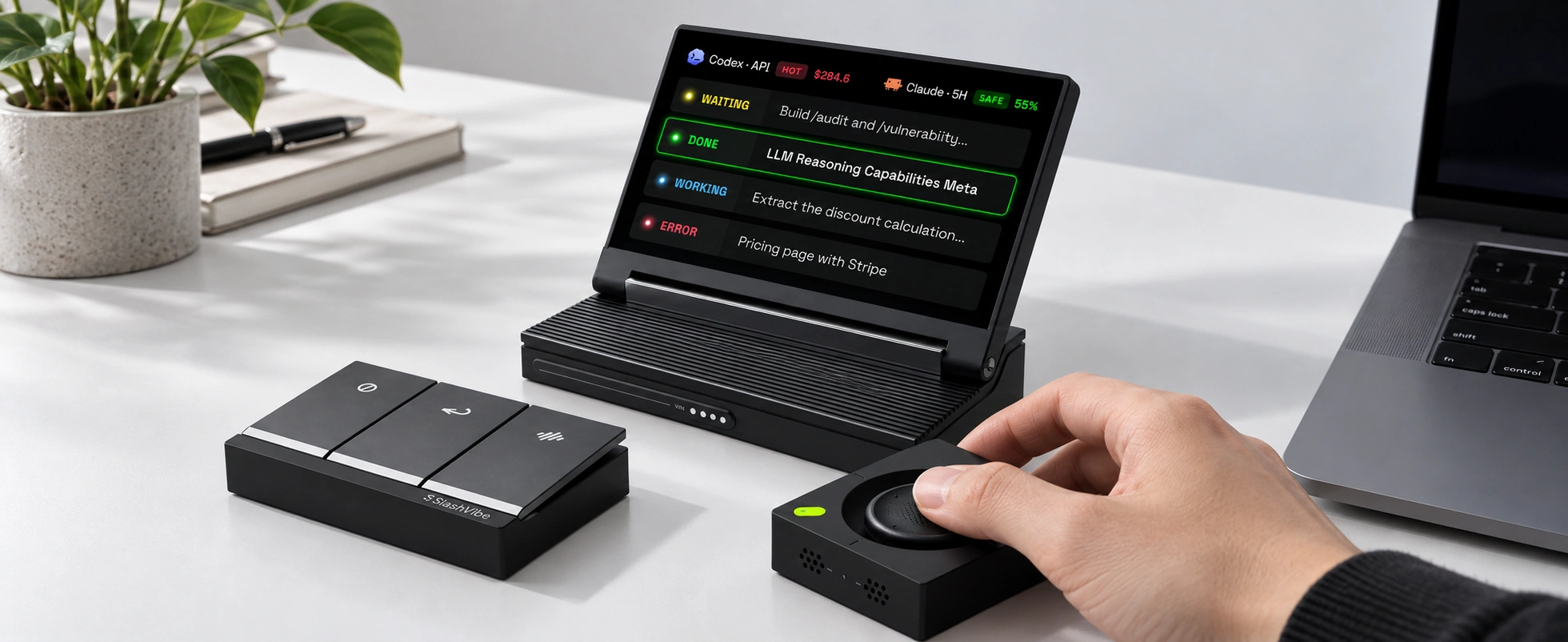
Rotate it. The joystick falls right under your thumb.
Desktop.
MADE FOR THE WAY YOU WORK
It just feels right.
Your agents keep moving.
So can you.

01 / HANDHELD
Lean back.
Stay in control.
Keep your agents moving, right from your hand.

02 / QUIET VOICE
A whisper.
Your next move.
Bring it closer. Say what comes next.

03 / DESKTOP
At your desk.
Under your thumb.
Rotate it. The joystick falls naturally into place.
THE NEXT CHAPTER
A controller today.
A manager agent tomorrow.
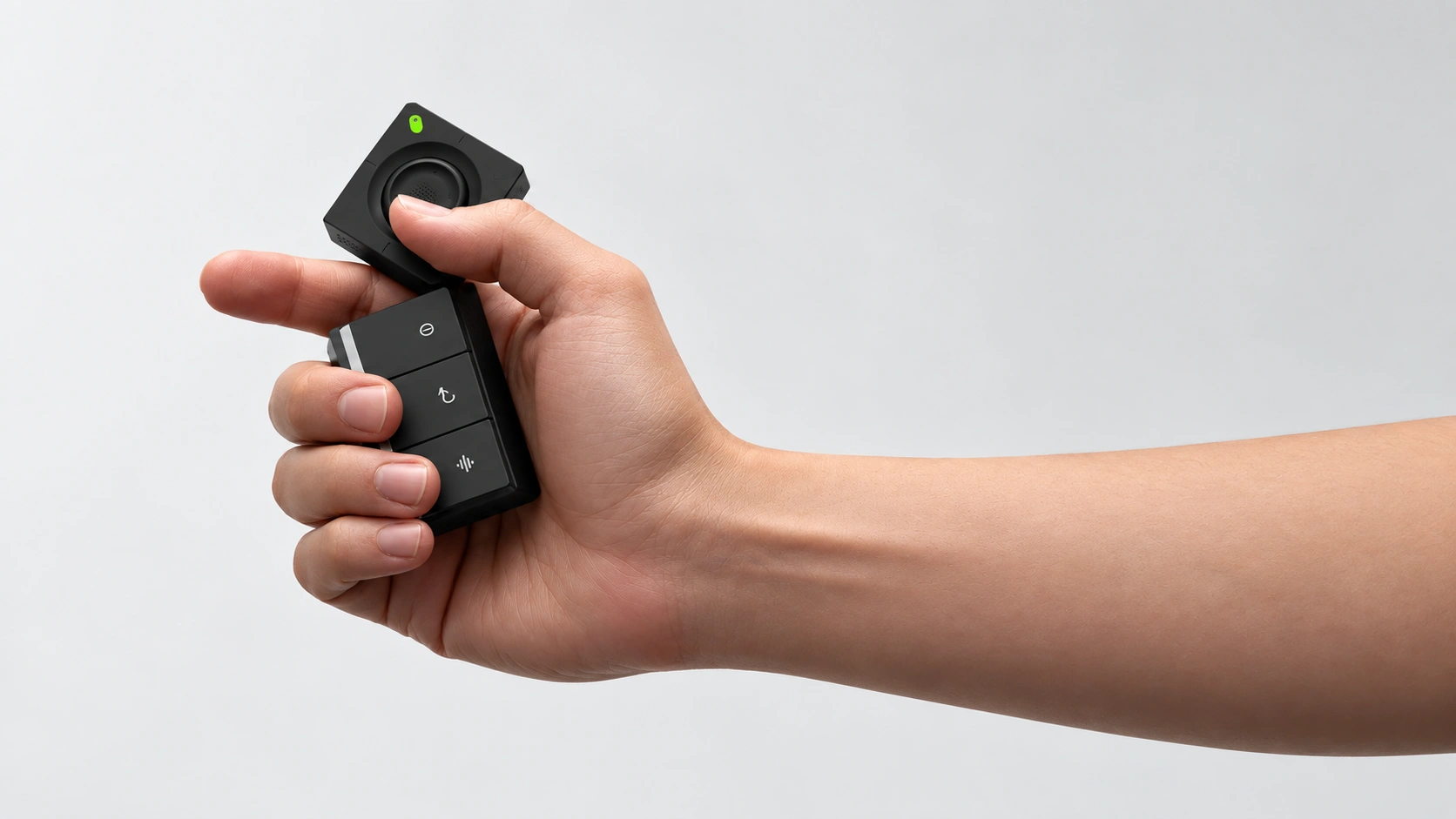
in your hands.
Today, SlashVibe puts your AI sessions within reach. Our ambition is a manager agent that understands how you work — and helps you decide what comes next.
TAKE THE CONTROLS
Join the waitlist
for launch-only perks.
Get production updates and a reminder ahead of
October 27 Kickstarter launch.
FAQ
Do I need to switch to a new AI app or model to use SlashVibe?
No. SlashVibe works alongside supported AI agents and tools on your computer. You keep working in your existing terminal or IDE; SlashVibe adds a dedicated display, voice input, and physical controls. It does not supply or replace the AI model.
Can I use SlashVibe away from the keyboard?
Yes, around your workspace. Lean back with the controller in hand, or bring it closer when you want to speak quietly. SlashVibe works with your computer and is not a standalone mobile terminal.
When do you expect SlashVibe to ship?
We currently expect the first batch to begin shipping in March 2027.
Do I need a separate dictation app for voice input?
No separate dictation app is required. SlashVibe includes voice input, and you can optionally configure a local speech-to-text service. Cloud dictation is available within the free plan’s usage limits, with higher limits available on paid plans.
Is a paid subscription required to use SlashVibe?
A paid subscription is not required. SlashVibe will include a free plan.
Optional plans will be available at $8 and $14 per month for users who need higher usage limits for cloud-based dictation and storage.
All Kickstarter backers will receive one complimentary month of the Pro plan.
Which AI agents and tools does SlashVibe work with?
SlashVibe works with more than 20 AI agents and tools, including Claude Code CLI and Desktop, Codex CLI and Desktop, Copilot CLI, OpenCode v2 CLI, Pi Agent, Oh My Pi, Grok Build CLI, Cursor, Antigravity CLI, Hermes, DSH, Droid, Trae, Kiro, WorkBuddy, MiMo Code, ZCode, Gemini CLI, Qoder, Qwen, Kimi, and Kimi Code.
We are continuing to expand support and are building an open integration layer so users can connect SlashVibe with their own AI workflows.